 Forma3D
Edit STL files
All the mesh-editing tools in Forma3D — selection, Boolean, cut, repair, and export.
iPhone Duo is out — and the foldable already changes the mobile 3D picture. Apple's tech specs confirm Apple Pencil (USB-C) on both displays, and Shapr3D ships full CAD to Duo in November 2026 while regular iPhones keep a viewer. Here are the confirmed specs, which 3D apps actually run on Duo, and the existing Forma3D workflow on the foldable.
Updated November 3, 2026 · Device released October 23, 2026 · Based on Apple's published materials, not a device test · iOS 17 or later for Forma3D
View Forma3D on the App StoreAnnounced September 9, released October 23, 2026. From Apple's tech specs page, the confirmed facts for 3D work:
| Item | Spec |
|---|---|
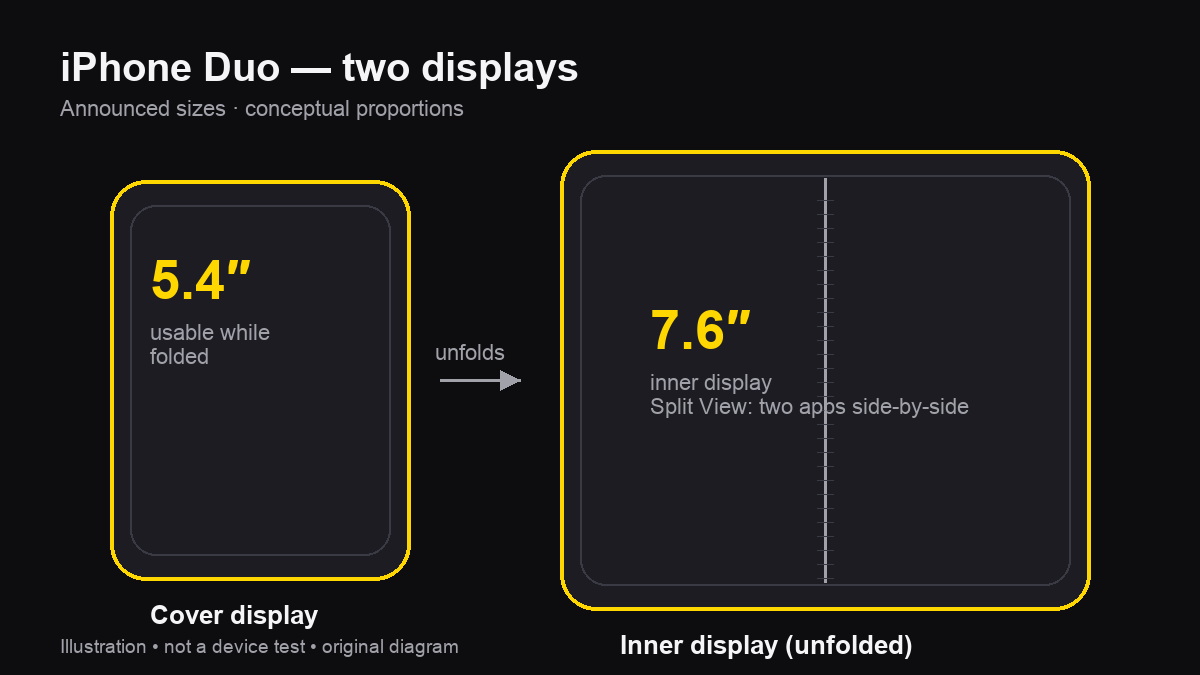
| Inner display | 7.6-inch OLED, 1878×2670 (430 ppi), nano-texture, ProMotion 120Hz |
| Cover display | 5.4-inch OLED, 1398×2034 (460 ppi), usable folded |
| Chip | A20 Pro — 7-core GPU with Neural Accelerators, hardware ray tracing, vapor chamber |
| Memory / battery | 12 GB RAM · ~4,883 mAh dual-battery |
| Body | 5.2 mm open / 11.3 mm closed · 254 g · grade-5 titanium · IP68 |
| Cameras | 48MP Fusion Main + 48MP Fusion Ultra Wide — no LiDAR scanner listed |
| Multitasking | Split View runs two apps side-by-side — including two windows of the same app, like Safari |
| Software | iOS 27 (27.1/27.2) — this is iOS, not iPadOS |
| Apple Pencil | Apple Pencil (USB-C) on both displays — on the official spec sheet |
| Price (US) | $1,999 (256GB) · $2,199 (512GB) · $2,599 (1TB) · $3,199 (2TB) |
| Colors | Star White · Night Sky |
Two details matter specifically for 3D: the unfolded panel is iPad-mini-class in size, and no LiDAR scanner is listed — so Duo 3D-scanning depends on photogrammetry apps, not Pro-style LiDAR meshes.
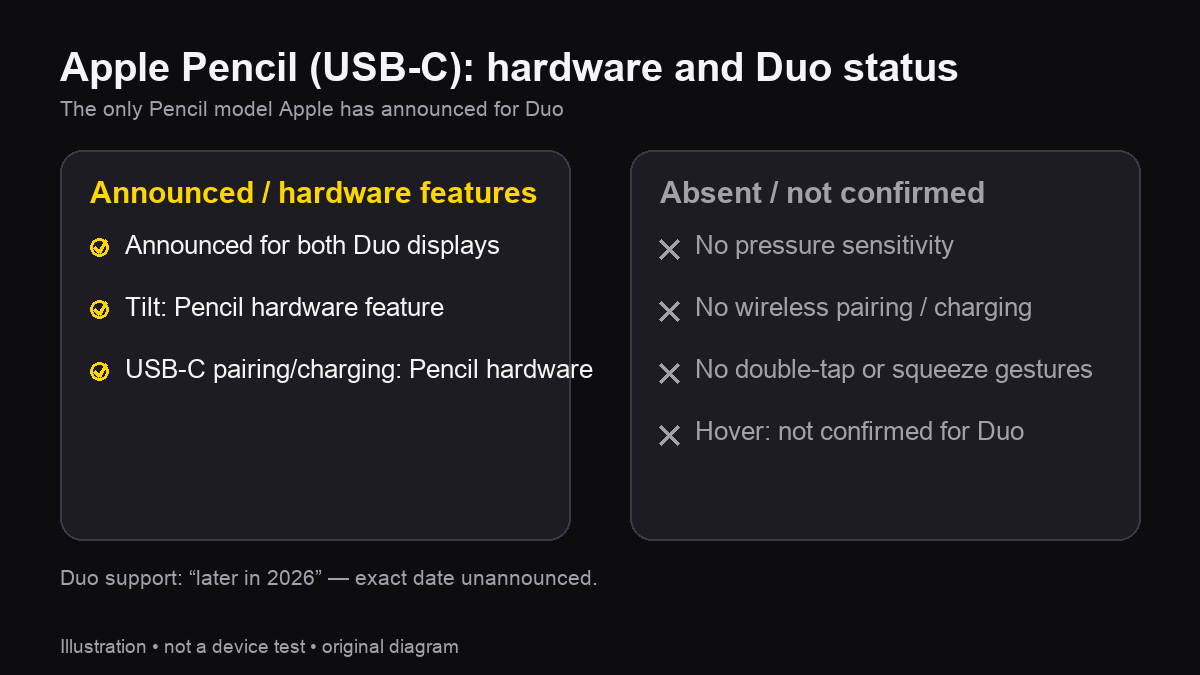
Apple's tech specs list Apple Pencil (USB-C) support under both displays, and the first apps using it are already shipping: Shapr3D's Duo CAD with Pencil input lands in November 2026. Only the USB-C model is supported — Pencil Pro, 1st- and 2nd-generation Pencils are not on the list.
The catch is which Pencil. The USB-C model is Apple's entry stylus — accurate and comfortable for notes, sketching and markup, but per Apple's own Pencil comparison page it lacks several features the Pro model has:
| Feature | Apple Pencil (USB-C) |
|---|---|
| Listed for iPhone Duo | Yes — only model on the spec sheet |
| Tilt sensitivity | USB-C Pencil hardware feature — whether Duo apps use it needs testing |
| Pressure sensitivity | No — no pressure sensor |
| Wireless pairing / charging | No — pairs and charges over USB-C cable |
| Double-tap / squeeze / barrel roll | No |
| Haptic feedback, Find My | No |
| Hover | Not confirmed — Apple's hover footnote names certain iPads only |
Third-party active styluses are unverified. On capabilities: the USB-C Pencil supports tilt in its hardware — whether a particular Duo 3D app receives and uses tilt needs testing. It has no pressure sensor, so pressure-driven sculpting is off the table regardless of app.
Duo runs iOS, so every iPhone app is technically installable — but "installable" and "built for the foldable" differ. This is the landscape as of November 2026:
| App | On iPhone Duo | Notes |
|---|---|---|
| Forma3D | Runs as a universal iOS app | Full mesh-editing workflow — import, repair, split, paint, export. Duo-optimized layout not yet verified on hardware. |
| Shapr3D | Full CAD with Apple Pencil — November 2026 | The headline Duo case: sketch with Pencil, model on the Parasolid engine, export production files. All paid features free at launch until Nov 15, 2026. On regular iPhones the app stays a viewer. |
| Nomad Sculpt | Runs as an iPhone app | Real sculpting on the larger canvas — but no pressure sensor on the USB-C Pencil, so pressure-driven strokes stay finger/tilt-based. |
| uMake | Runs as an iPhone app | Sketch-based NURBS modeling; editing and export require a plan (from $12.99/mo). |
| Onshape | Runs as an iPhone app | Full cloud parametric CAD; free tier with public documents. Big canvas helps its dense UI considerably. |
| Scaniverse / Polycam | Photogrammetry only — no LiDAR | Duo's spec sheet lists no LiDAR scanner, so capture is photo-based splats/meshes, not LiDAR-grade geometry. |
| Tinkercad | Works in Safari | Free browser modeler; larger display makes its desktop UI more usable than on a regular iPhone. |
The pattern to watch: developers are treating Duo as pocket-tablet territory, not a bigger phone. Shapr3D's split — viewer on iPhone, full CAD on Duo — is likely the first of many such decisions.
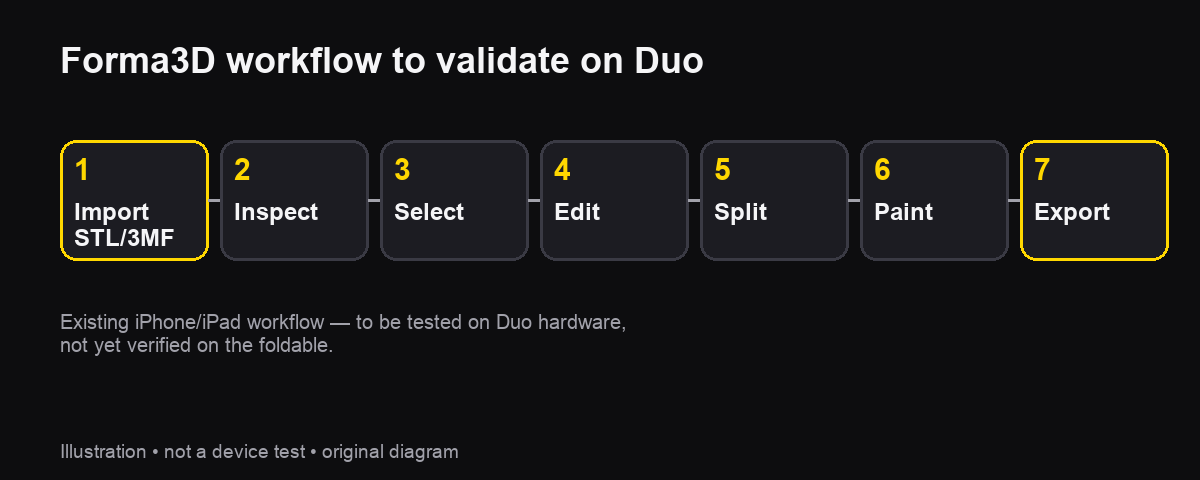
Everything below is the existing iPhone workflow — the same steps that run on iPhone and iPad today, now on Duo's larger canvas. Duo-specific layout details and Pencil input still need on-device verification.
Bring in an STL, 3MF or USDZ file and inspect it with flat, smooth, wireframe, matte or X-Ray shading. On the 7.6-inch display, orbit and zoom gestures are what to check first — the same viewport controls used in the STL mesh editor guide.
Switch to Edit Mode and use single-tap, rectangle, oval, brush, multi-select, loop and ring selection on vertices, edges and faces. A stylus could help with positional accuracy on small components — the Pencil's hardware has tilt but no pressure sensor, and how each app uses stylus input on Duo needs testing.
Move, rotate and scale with the gizmo or numeric controls; extrude, inset, bevel, bridge, mirror, remesh or subdivide. For print prep, split a model into parts or run Union, Subtract and Intersect Booleans — all existing features to re-verify on Duo's displays.
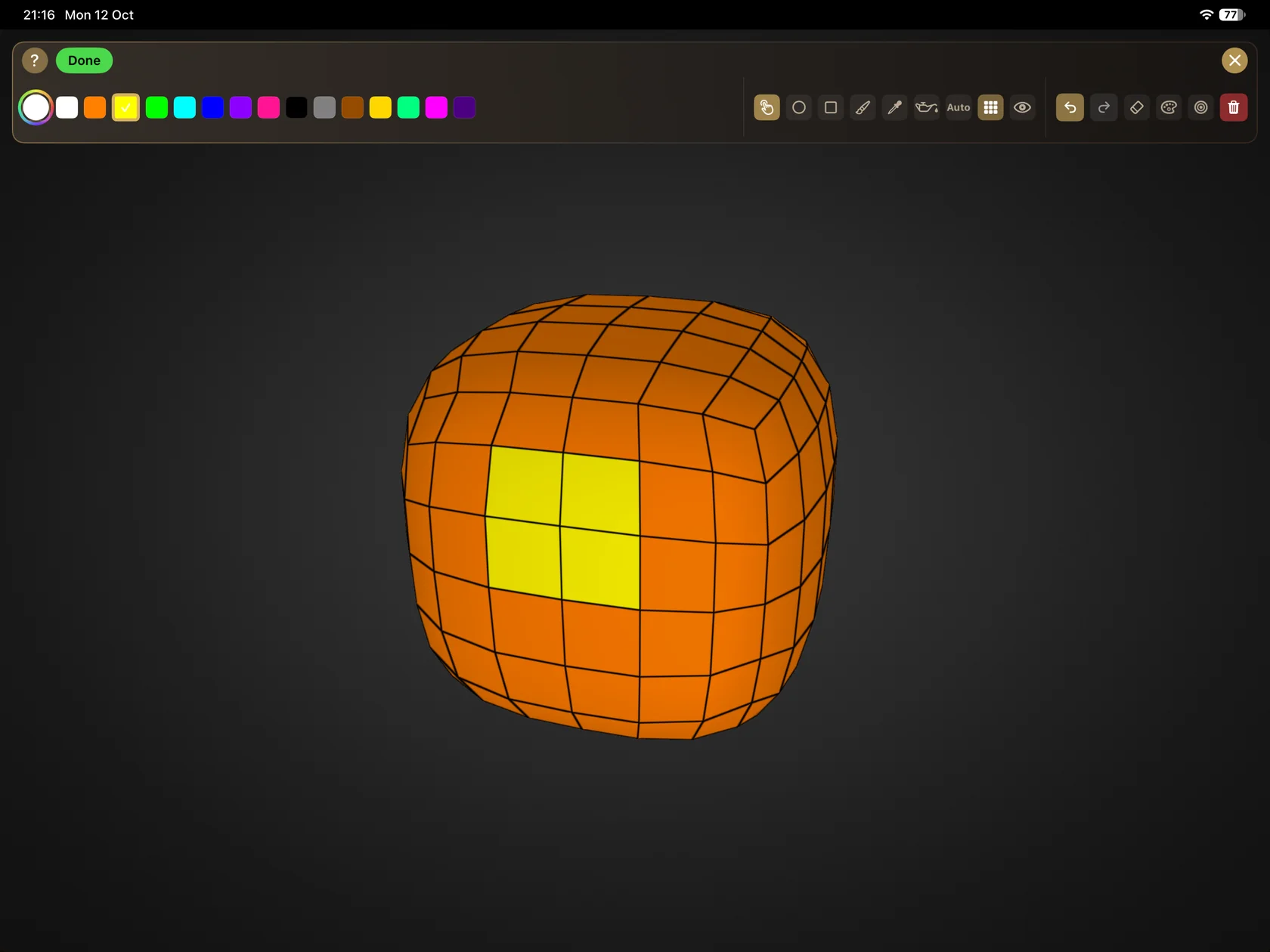
Paint face colors for multi-material prints, then export STL or 3MF — STL drops the colors, 3MF keeps them. The file still needs a slicer and a validated test print downstream; nothing about Duo changes that.
Yes — Apple's tech specs list Apple Pencil (USB-C) support on both Duo displays. It is the USB-C model only: tilt support, no pressure sensor. Third-party apps are building on it — Shapr3D brings full CAD with Apple Pencil to Duo in November 2026.
Yes. iPhone Duo released October 23, 2026 in the US and 70+ countries, with 28 more regions on October 30. US pricing: $1,999 (256GB), $2,199 (512GB), $2,599 (1TB), $3,199 (2TB). Colors: Star White and Night Sky.
No — Apple's tech specs list only Apple Pencil (USB-C) for iPhone Duo. Pencil Pro, 1st- and 2nd-generation models are not on the supported list.
No. Apple's own comparison page shows the USB-C Pencil supports tilt but lacks pressure sensitivity, wireless pairing and charging, double-tap, squeeze, barrel roll, haptic feedback and Find My.
Forma3D is a universal iOS app for iPhone and iPad, so it runs on iPhone Duo as an iPhone app — mesh editing, splitting, painting and export are the same workflow. Duo-specific layout optimization and Pencil behavior have not been verified on the hardware.
Not automatically — iPhone Duo runs iOS, not iPadOS. But developers are shipping Duo builds deliberately: Shapr3D, viewer-only on regular iPhones, releases full CAD modeling with Apple Pencil on Duo in November 2026.
Not via LiDAR — Apple's tech specs list no LiDAR scanner on iPhone Duo. Photogrammetry-based capture (which uses the regular cameras) remains possible in theory; check each scanning app's stated device support.
Apple's spec sheet lists Apple Pencil (USB-C) support for both displays, and third-party developers are already shipping on it — Shapr3D's full Duo CAD with Pencil arrives in November 2026.
All the mesh-editing tools in Forma3D — selection, Boolean, cut, repair, and export.
Paint faces, clean up color islands, and merge similar colors before export.
Split models into parts with alignment joints for printers with smaller beds.
Getting edited models from iPhone and iPad to the printer.